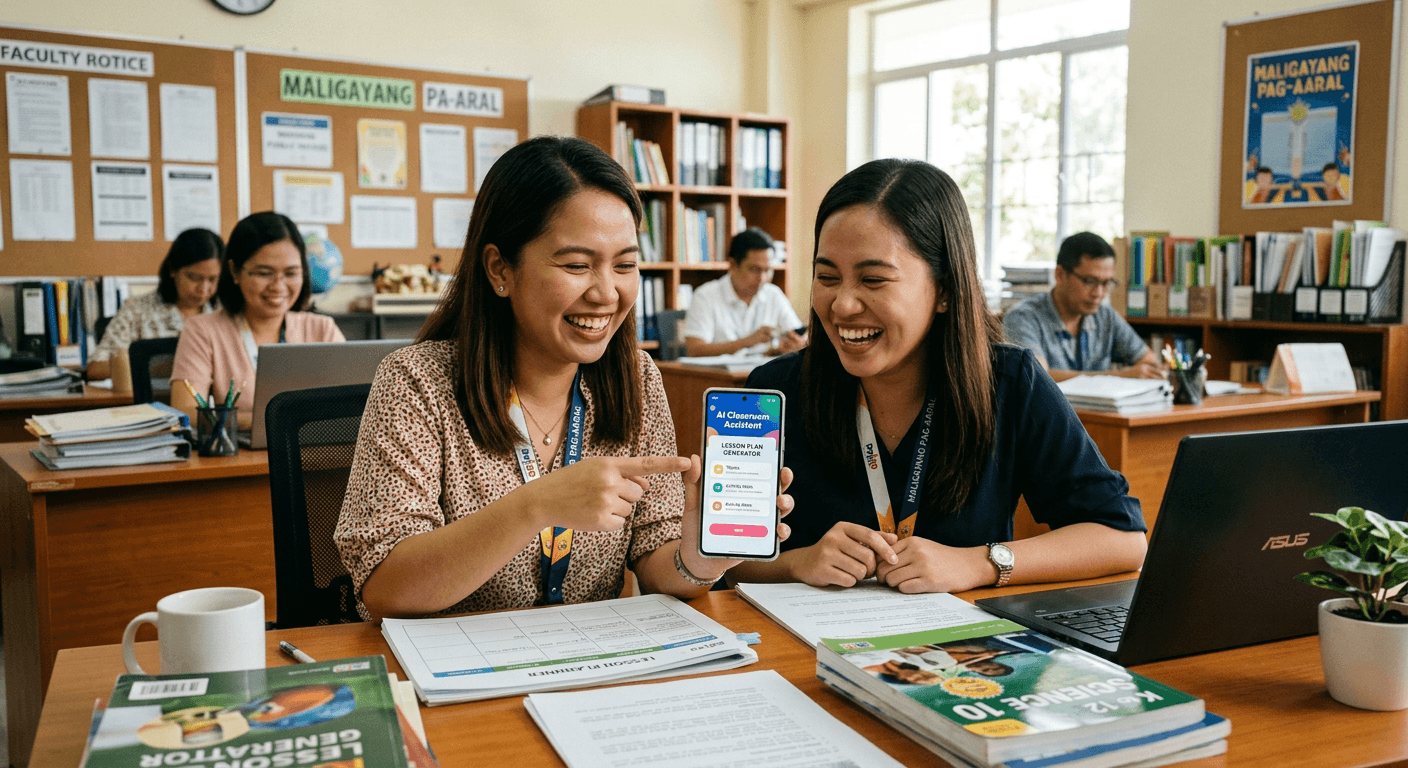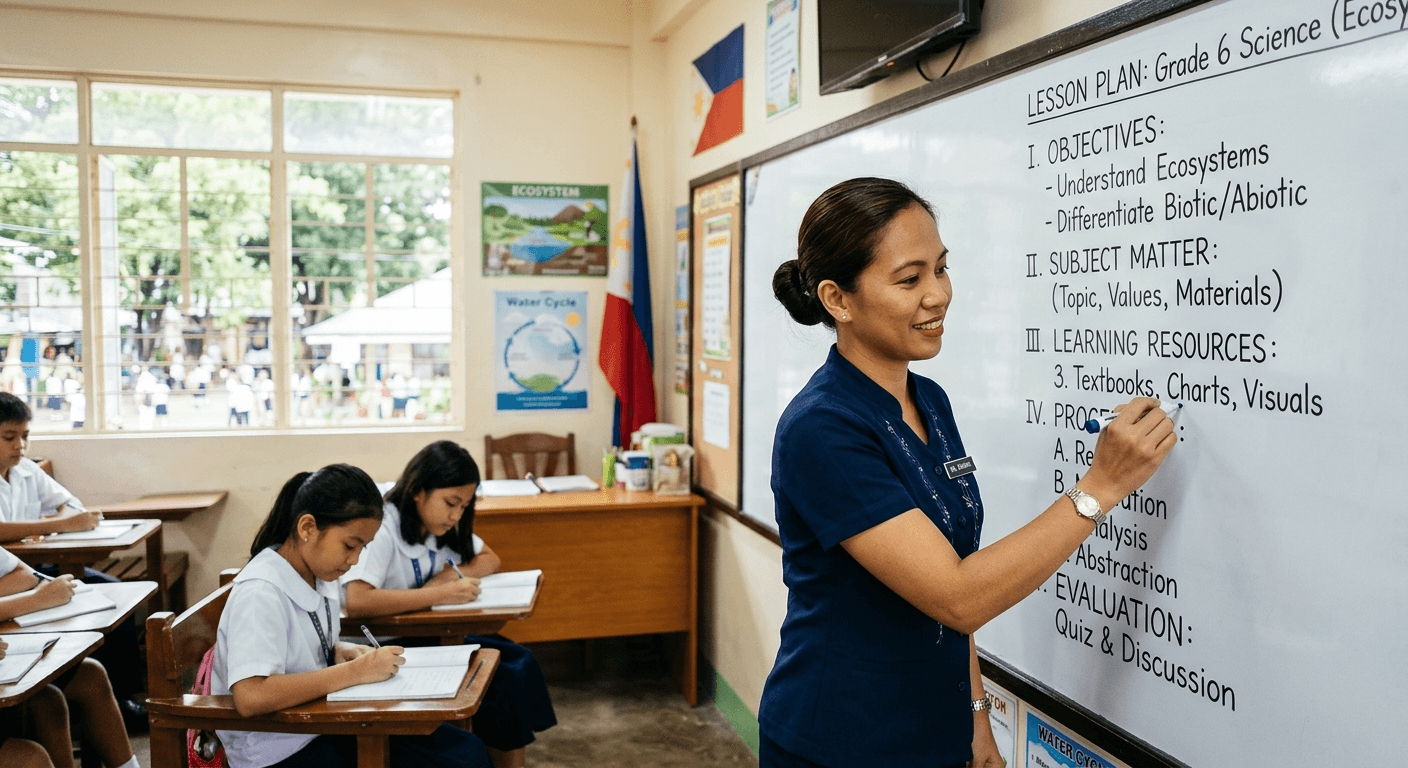
The Philippine education landscape is changing fast. With the rollout of the MATATAG curriculum and the shift to a three-term school calendar, teachers are juggling more responsibilities than ever. But there's a silver lining: artificial intelligence is now officially part of the toolkit.
In early 2026, the Department of Education released DepEd Order 003, s. 2026, which officially allows teachers to use AI tools for creating instructional materials. The order specifically mentions tools like ChatGPT, Gemini, Grammarly, and Canva as examples that educators can leverage in their work.
This is a game-changer. For the first time, Filipino teachers have official backing to use AI in lesson preparation, content creation, and classroom management. But with so many tools available, where do you start?
In this guide, we'll break down the best AI tools for Filipino teachers in 2026 — what they do, how you can use them, what they cost, and which ones are best suited for specific teaching tasks.
1. LessonPlan PH — AI Lesson Plan Generator for Philippine Curriculum
What it does: LessonPlan PH is an AI-powered lesson plan generator built specifically for Filipino teachers. Unlike general-purpose AI tools, it's designed around the Philippine education system and the MATATAG curriculum.
How teachers can use it:
- Generate complete Daily Lesson Logs (DLLs) aligned with the new ILAW format (Intentions, Learning Experiences, Assessment, Ways Forward)
- Create lesson plans based on specific competency codes and grade levels
- Produce DepEd-compliant instructional materials without spending hours on formatting
- Customize generated plans to match your classroom context and student needs
Pricing: Free and paid plans available.
Pros:
- Purpose-built for Philippine education — no need to explain local curriculum standards to the AI
- MATATAG curriculum alignment built in
- Understands DepEd formatting requirements
- Saves significant time on the most time-consuming part of teaching: lesson preparation
Best for: Teachers who want a specialized tool that understands Philippine curriculum standards out of the box, without needing to craft detailed prompts.
2. ChatGPT by OpenAI — Versatile AI Assistant
What it does: ChatGPT is a general-purpose AI chatbot developed by OpenAI. It can generate text, answer questions, brainstorm ideas, write content, and assist with a wide range of tasks. It's one of the tools explicitly mentioned in DepEd Order 003, s. 2026.
How teachers can use it:
- Generate lesson ideas and activity suggestions for any subject
- Create differentiated worksheets and assessments for various learner levels
- Explain complex concepts in simpler language for student-friendly materials
- Draft communications such as parent letters, reports, and announcements
- Brainstorm creative teaching strategies and classroom management approaches
Pricing: Free tier available with access to the base model. ChatGPT Plus is a paid subscription that provides access to more advanced models and features.
Pros:
- Extremely versatile — useful for almost any text-based task
- Strong reasoning and creative writing capabilities
- Large knowledge base covering many subjects
- Active development with regular improvements
Things to keep in mind:
- It's a general tool, so it doesn't automatically align with MATATAG or Philippine curriculum standards
- You'll need to provide specific context in your prompts (e.g., grade level, subject, Philippine context)
- Always review generated content for accuracy, especially for subject-specific facts
Best for: Teachers who need a flexible, all-purpose AI assistant for a variety of tasks beyond just lesson planning.
3. Google Gemini — Google's AI with Ecosystem Integration
What it does: Google Gemini is Google's AI assistant, accessible for free at gemini.google.com. It can generate text, analyze images and documents, and integrate with Google's ecosystem of productivity tools. It's also specifically mentioned in DepEd Order 003, s. 2026.
How teachers can use it:
- Research and summarize educational content quickly
- Generate lesson content, quizzes, and instructional materials
- Analyze student data and identify learning patterns
- Create content directly within Google Docs, Sheets, and Slides
- Get help with administrative tasks like drafting emails and organizing schedules
Pricing: Free to use with a Google account at gemini.google.com.
Pros:
- Completely free for the basic version
- Seamless integration with Google Workspace tools that many schools already use
- Strong multimodal capabilities (can process text, images, and documents)
- Familiar interface for anyone already using Google products
Things to keep in mind:
- Like ChatGPT, it's a general-purpose tool that doesn't have built-in Philippine curriculum alignment
- You'll need to guide it with specific prompts for education-related outputs
- Quality of responses can vary depending on the complexity of the request
Best for: Teachers who are already embedded in the Google ecosystem and want AI capabilities that work seamlessly with tools like Google Docs and Slides.
4. Grammarly — AI Writing and Grammar Assistant
What it does: Grammarly is an AI-powered writing assistant that checks grammar, spelling, punctuation, and writing clarity. It goes beyond basic spell-check to suggest improvements in tone, conciseness, and overall readability. Referenced in DepEd Order 003, s. 2026.
How teachers can use it:
- Polish lesson plans, instructional materials, and student handouts for clarity
- Check grammar and spelling in official communications, reports, and memos
- Improve the readability of assessment instructions and rubrics
- Ensure consistency in writing across all professional documents
Pricing: Free tier available with basic grammar and spelling checks. Premium plans offer advanced features like tone detection, clarity suggestions, and plagiarism checking.
Pros:
- Works everywhere — available as a browser extension, desktop app, and mobile keyboard
- Real-time suggestions as you type
- Easy to use with no learning curve
- Particularly useful for non-native English speakers who teach in English
Things to keep in mind:
- Primarily focused on English writing
- It's a writing tool, not a content generation tool — it improves what you've already written rather than creating new content from scratch
Best for: Teachers who want to ensure their written materials are polished, professional, and error-free.
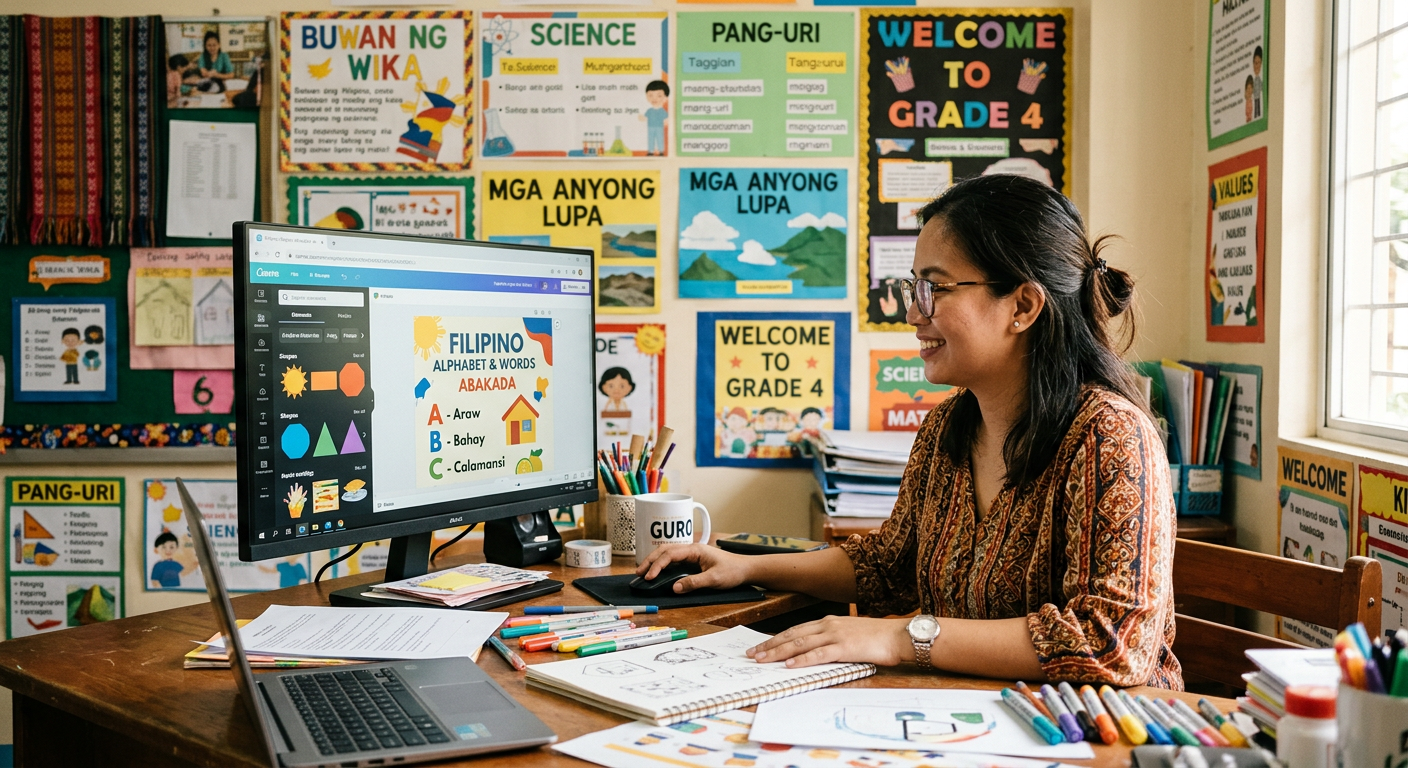
5. Canva for Education — Design Tool with AI Features
What it does: Canva is a popular design platform that makes it easy to create professional-looking visuals, presentations, and documents. Canva for Education is a special program that gives teachers free access to premium features. Also mentioned in DepEd Order 003, s. 2026.
How teachers can use it:
- Design visually engaging presentations and slide decks for lessons
- Create worksheets, infographics, and activity sheets with professional layouts
- Build bulletin board displays and classroom decorations
- Use AI-powered features to generate design elements and suggest layouts
- Collaborate with fellow teachers on shared designs and templates
Pricing: Free for verified educators through the Canva for Education program. Teachers need to apply and verify their educator status to access premium features at no cost.
Pros:
- Completely free premium access for teachers
- No design skills required — drag-and-drop interface
- Thousands of education-specific templates
- AI-powered features for quick design creation
- Easy sharing and collaboration
Things to keep in mind:
- It's primarily a design tool, not a lesson planning tool
- You'll need to apply for educator verification to get free access
- Some AI features may require an internet connection
Best for: Teachers who want to create visually appealing materials — presentations, worksheets, posters — without needing professional design skills.
How to Choose the Right Tool for You
With all these options, how do you decide? Here's a practical framework:
Start with your biggest pain point:
- Spending too much time on lesson plans? Start with LessonPlan PH for curriculum-aligned lesson plans, or ChatGPT / Gemini for more general content generation.
- Need better-looking materials? Canva for Education is your best bet.
- Want to improve your written communications? Grammarly will make an immediate difference.
- Need a general-purpose assistant? ChatGPT or Google Gemini can handle almost anything you throw at them.
You don't have to choose just one. Many teachers use multiple tools together. For example, you might use LessonPlan PH for lesson planning, Canva for creating visual materials, and Grammarly for polishing your written documents.
Important Reminders When Using AI Tools
While AI tools are powerful and now officially supported, there are some important guidelines to keep in mind:
- Always review AI-generated content. AI can make mistakes, especially with subject-specific facts or local context. Never use AI output without reviewing it first.
- Protect student privacy. Do not share personally identifiable student information with any AI tool. This includes names, grades, addresses, and any other sensitive data.
- Customize for your students. AI generates generic content by default. Take the time to adapt materials to your specific class, learner levels, and local context.
- Use AI as a tool, not a replacement. The best teaching comes from human connection, empathy, and understanding. AI helps with the paperwork so you can focus on what really matters: your students.
- Stay updated on DepEd guidelines. AI policy in education is evolving. Keep an eye on new DepEd orders and memoranda for any updates to the AI usage guidelines.
The Bottom Line
2026 is a pivotal year for Philippine education. The combination of the MATATAG curriculum, the new ILAW lesson planning format, and official DepEd support for AI tools means teachers have more support than ever to do their best work.
The key is to start small, experiment, and find what works for you. You don't need to be a tech expert. These tools are designed to be user-friendly, and most offer free versions that let you try them without commitment.
The teachers who thrive in this new era won't be the ones who avoid technology — they'll be the ones who embrace it as a partner in their mission to educate and inspire.
Ready to save hours on lesson planning?
Try LessonPlan PH — the AI lesson plan generator built specifically for Filipino teachers. Aligned with the MATATAG curriculum and compliant with DepEd standards.
Create your first lesson plan in minutes, not hours. Get started today!